

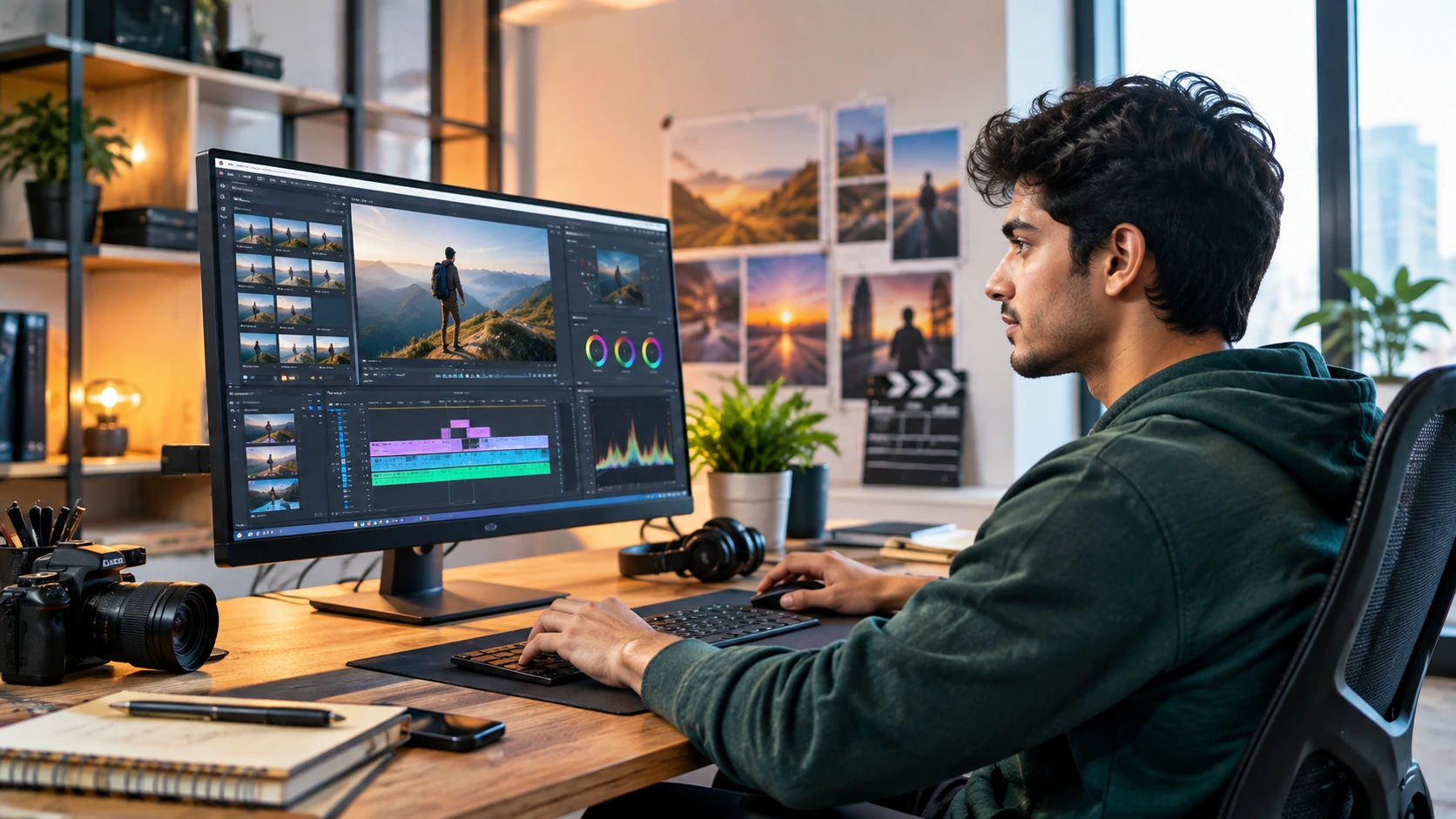
Video is now one of the most widely used formats for communication, marketing, education, entertainment, and social media. That has created career opportunities for people who can turn raw footage into clear, engaging, professional content.
So, what jobs can you get after learning video editing?
You can work as a video editor, YouTube editor, social media video editor, motion graphics designer, post-production assistant, content creator, advertising editor, podcast editor, or freelance video editor. With additional skills, you can also move into specialized areas such as motion design, color grading, visual effects, and branded content.
Modern video editing careers are not limited to film studios. Editors work with agencies, brands, creators, educational companies, media organizations, startups, production houses, and remote clients worldwide.
If you are still deciding which career direction suits your skills and interests, this career planning guide can help you evaluate different professional paths.
Quick Answer: What Jobs Can I Get After Learning Video Editing?
After learning video editing, you can explore roles such as:
- Video Editor
- YouTube Video Editor
- Social Media Video Editor
- Short-Form Content Editor
- Motion Graphics Designer
- Video Content Creator
- Advertising Video Editor
- Podcast Video Editor
- Assistant Video Editor
- Post-Production Executive
- Film or Television Editor
- Freelance Video Editor
The exact opportunities depend on your editing skills, portfolio, specialization, communication ability, and experience.
What Does a Video Editor Actually Do?
A video editor takes raw footage and transforms it into a finished video.
The work can involve cutting and arranging clips, improving audio, adding subtitles, adjusting colors, creating transitions, applying visual effects, adding music, and preparing the final video for different platforms.
But editing is not simply about knowing software.
A good editor understands storytelling, pacing, audience attention, visual composition, sound, and the purpose of the content. Employers commonly look for technical proficiency alongside creativity, attention to detail, communication, and time management.
10 Career Options After Learning Video Editing
1. Video Editor
This is the most direct career path.
Video editors may work on advertisements, corporate videos, interviews, educational videos, documentaries, events, or digital campaigns.
Your responsibilities may include organizing footage, creating rough and final cuts, editing sound, adding graphics, correcting colors, and delivering videos according to project requirements.
2. YouTube Video Editor
YouTube creators often need editors who can turn long recordings into engaging videos.
You may edit talking-head videos, educational content, interviews, podcasts, reviews, tutorials, or entertainment videos.
A YouTube editor should understand pacing, retention, captions, thumbnails, storytelling, and platform-specific formatting.
3. Social Media Video Editor
Brands increasingly use short videos for platforms such as Instagram, TikTok, YouTube Shorts, and other digital channels.
Social media editors create:
- Reels
- Shorts
- Promotional videos
- Product videos
- Educational clips
- Trend-based content
- Brand campaigns
This role is particularly useful if you combine video editing with social media knowledge.
4. Motion Graphics Designer
If you enjoy animation and design, motion graphics can be a natural next step.
Motion graphics combines graphic design, animation, typography, and video to communicate information visually. It is used in advertisements, explainer videos, social campaigns, presentations, and brand content.
Learning tools such as After Effects can help an editor move into this specialization.
5. Advertising Video Editor
Advertising editors create videos designed around a marketing objective.
For example, an editor might create a 15-second product advertisement, a social media campaign, a promotional video, or a video designed to generate leads.
Here, understanding marketing is almost as important as editing technique. You need to know how the opening seconds capture attention and how the final message encourages viewers to act.
6. Podcast Video Editor
Podcasts are no longer only audio programs.
Many creators record video podcasts and then turn them into full episodes, clips, Shorts, Reels, and promotional content.
A podcast editor may handle multicamera footage, audio synchronization, captions, speaker cuts, graphics, and short-form clips.
7. Post-Production Assistant
This can be a useful entry-level route for beginners who want experience in professional production environments.
Post-production work may involve organizing footage, preparing project files, assisting editors, exporting videos, maintaining assets, and supporting the wider editing workflow.
It can provide practical exposure before progressing into a dedicated editor role.
8. Content Creator
Learning video editing can also support a career as a content creator.
You can create your own educational channel, entertainment page, product-review channel, personal brand, or niche media platform.
The advantage is that editing becomes one part of a larger skill set involving scripting, filming, storytelling, publishing, analytics, and audience building.
9. Freelance Video Editor
Freelancing allows you to work with multiple clients rather than one employer.
Typical projects include:
- YouTube videos
- Reels and Shorts
- Business advertisements
- Wedding videos
- Product videos
- Course content
- Social media campaigns
A strong portfolio is particularly important because clients need evidence of what you can actually produce.
10. Film, Television or Media Editor
For people interested in long-form storytelling, film and television can provide another direction.
These roles generally require stronger storytelling, continuity, sound, pacing, collaboration, and post-production knowledge.
Specialized editing careers can also include colorist, television editor, broadcast technician, animator, and related production roles.
Video Editing Career Paths at a Glance
| Video Editor | Long and short videos | Storytelling |
| YouTube Editor | Creator content | Audience retention |
| Social Media Editor | Reels and Shorts | Social media trends |
| Motion Graphics Designer | Animated graphics | After Effects |
| Ad Video Editor | Marketing campaigns | Digital marketing |
| Podcast Editor | Video/audio podcasts | Audio editing |
| Content Creator | Own content | Scripting |
| Freelance Editor | Client projects | Communication |
| Post-Production Assistant | Production support | Workflow management |
| Film/TV Editor | Long-form productions | Advanced storytelling |
How to Start a Career in Video Editing
Here is what actually works if you are starting from zero.
Step 1: Learn One Editing Software
Do not try to master five programs simultaneously.
Choose one professional editing platform and understand its timeline, cutting, audio, effects, transitions, color correction, captions, and export settings.
Common options include Adobe Premiere Pro, DaVinci Resolve, Final Cut Pro, and CapCut.
Step 2: Practice With Real Projects
Watching tutorials is useful, but editing is a practical skill.
Create sample projects such as:
- A 30-second advertisement
- A YouTube-style video
- A short-form Reel
- A podcast clip
- A product video
These projects can become the foundation of your portfolio.
Step 3: Build a Focused Portfolio
One thing many beginners miss is that employers and clients need to see results, not just certificates.
A portfolio should demonstrate different skills while remaining relevant to the type of work you want.
If you want social media editing jobs, show social media videos. If you want documentary work, show storytelling and long-form editing.
Step 4: Add Complementary Skills
Your opportunities can expand significantly when video editing is combined with another skill.
Useful combinations include:
- Video editing + graphic design
- Video editing + digital marketing
- Video editing + motion graphics
- Video editing + social media management
- Video editing + photography
- Video editing + content writing
Students exploring modern career combinations can also read Vidya Udbhav's guide on skills that can strengthen career opportunities.
Do You Need a Degree to Become a Video Editor?
Not always.
A degree in film, media, communication, animation, or design can be useful, particularly for structured industry roles. However, video editing is also a skill-based profession where practical ability and a strong portfolio can matter considerably.
Current career guidance from Indeed emphasizes software proficiency, practical experience, portfolio development, and networking as important parts of becoming a video editor.
For students, the choice between a degree, certification, online course, or self-learning should depend on career goals, budget, preferred learning style, and the type of employer they want to target.
Beginner Strategy vs Advanced Strategy
For beginners:
- Learn basic editing principles.
- Master one software
- Practice consistently
- Create 4–5 portfolio projects.
- Learn subtitles and audio editing.
- Start with small freelance or internship projects.
For advanced learners:
- Learn motion graphics
- Improve color grading
- Develop sound-design skills
- Learn professional workflows
- Specialize in one industry.
- Build a professional showreel.
- Learn how to manage clients and projects.
A structured career decision should also consider your interests and strengths rather than following a trend. Vidya Udbhav's career guidance based on skills and interests covers this decision-making process.
Common Mistakes to Avoid
Here is where many people make mistakes when learning video editing:
- Learning software without understanding storytelling
- Collecting certificates without building projects
- Copying effects without understanding why they work
- Ignoring audio quality
- Using excessive transitions
- Having no portfolio
- Taking every type of editing project without specialization
- Missing deadlines
- Ignoring client feedback
- Failing to keep up with new content formats
A simple, well-paced edit is often more effective than a video filled with unnecessary effects.
What Tools Can You Learn?
The right tool depends on your career goal.
Beginner-friendly: CapCut, DaVinci Resolve
Professional editing: Adobe Premiere Pro, Final Cut Pro
Motion graphics: Adobe After Effects
Design support: Photoshop, Illustrator, Canva
Audio: Audition, DaVinci Resolve
You do not need every tool. Start with the one that matches your intended career path and gradually expand your toolkit.
Future of Video Editing Careers
Video editing is changing as AI-assisted tools become part of professional workflows.
AI can increasingly help with tasks such as searching footage, transcription, captions, editing assistance, audio cleanup, and other repetitive processes. Recent developments in newsroom workflows, for example, show AI being integrated into video search, editing, audio mixing, captioning, and publishing.
That does not make creative judgment irrelevant.
Editors still need to understand story, emotion, pacing, brand requirements, audience expectations, and communication. The stronger strategy is to learn how to use new technology while developing skills that require human judgment.
Expert Tips for Building a Video Editing Career
If you want this skill to become a career, focus on these principles:
- Build projects before worrying about perfection.
- Choose a specialization after exploring different formats.
- Learn storytelling, not just effects.
- Develop strong communication skills.
- Keep your portfolio updated.
- Study professional videos and analyze their editing choices.
- Learn to work within deadlines.
- Understand the platform where the video will be published.
- Use AI as a productivity tool rather than depending on it for creative decisions.
- Keep learning as editing technology changes.
Who Should Consider Video Editing as a Career?
Video editing may suit you if you enjoy:
- Creative problem-solving
- Visual storytelling
- Technology and software
- Designing content
- Working independently
- Working with creators or brands
- Turning ideas into visual experiences
It can be particularly useful for students and professionals looking for a creative digital skill with multiple career directions.
For broader career exploration, you can also explore this guide to career opportunities across Science, Commerce, and Arts.
Frequently Asked Questions
Is video editing a good career option?
Video editing can lead to careers across media, advertising, social media, entertainment, education, marketing, and freelance work. The actual opportunities depend on skills, portfolio quality, specialization, and experience.
Can I get a video editing job without a degree?
Yes, some employers may prioritize practical skills and portfolios, although certain organizations may prefer formal education or relevant qualifications.
Can I learn video editing from home?
Yes. Many editing skills can be learned remotely through structured courses, tutorials, practice projects, and real client work.
What is the best software for video editing?
There is no single best software for everyone. Premiere Pro, DaVinci Resolve, Final Cut Pro, and CapCut serve different users and workflows.
Can video editors work from home?
Yes. Many editing projects can be completed remotely because the work is primarily digital. Remote opportunities can include YouTube editing, social media content, podcast editing, advertising, and freelance projects.
What skills should I learn with video editing?
Storytelling, motion graphics, audio editing, color correction, social media content creation, graphic design, and communication can complement video editing.
Final Advice
Learning video editing does not lock you into one job title. It can become the foundation for several careers, from traditional post-production to social media, advertising, content creation, motion graphics, and freelance work.
The most practical approach is simple: learn the fundamentals, create real projects, build a focused portfolio, choose a specialization, and keep improving.
If you are still comparing creative and technology career options, use a structured career planning approach before choosing your next course or specialization.